Node-based parametric CAD on build123d. Wire nodes, get solid geometry — transpiled to Python, rendered live, and drivable by an AI coding agent.
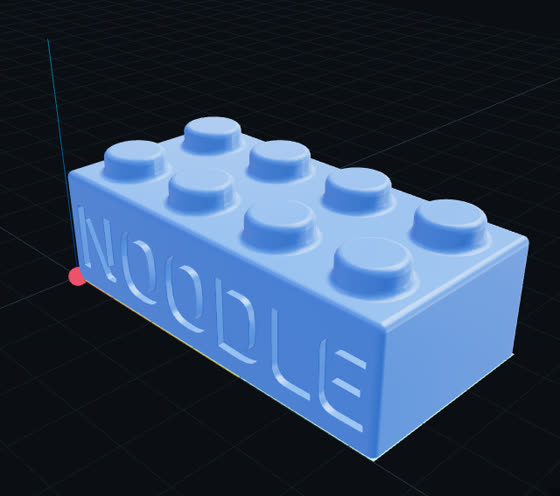
Live previewThese are real generations, frozen from noodle runs and opened in its read-only viewer — the same page the app serves, here with no server behind it. Orbit, hide pieces, play the timelines.
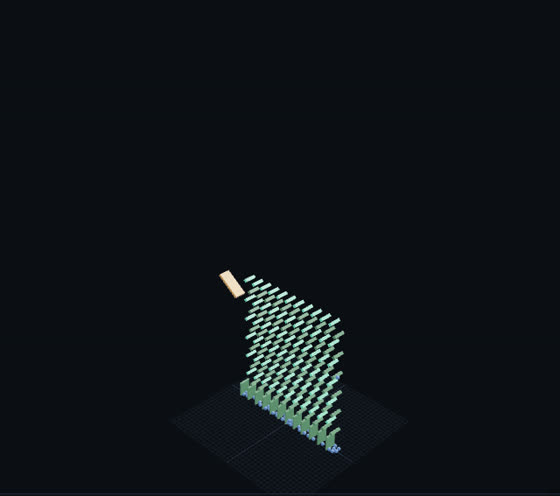
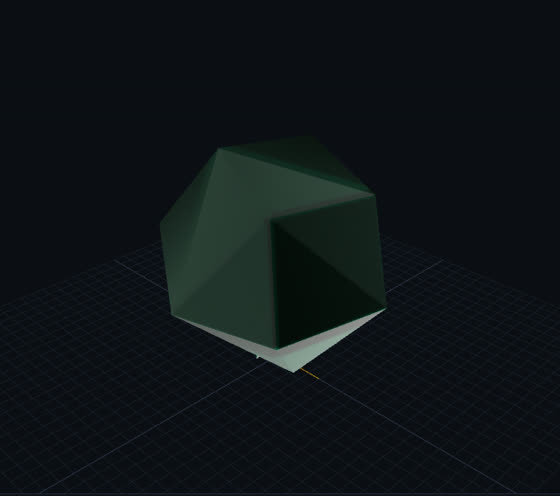
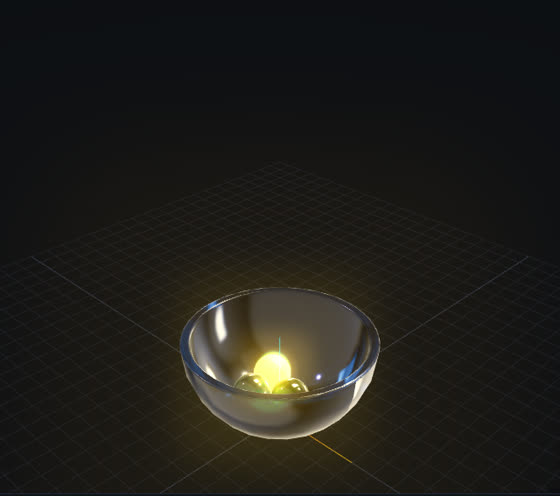
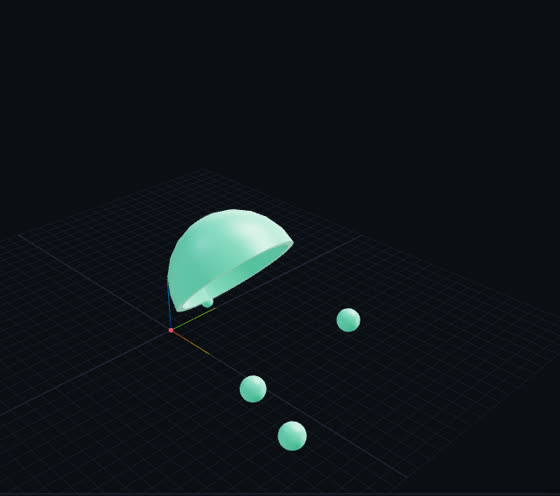
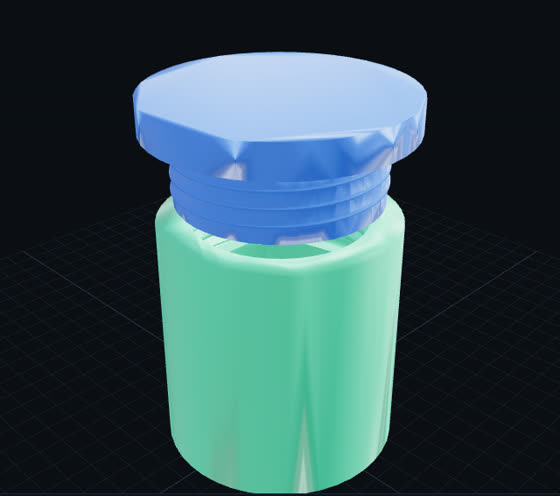
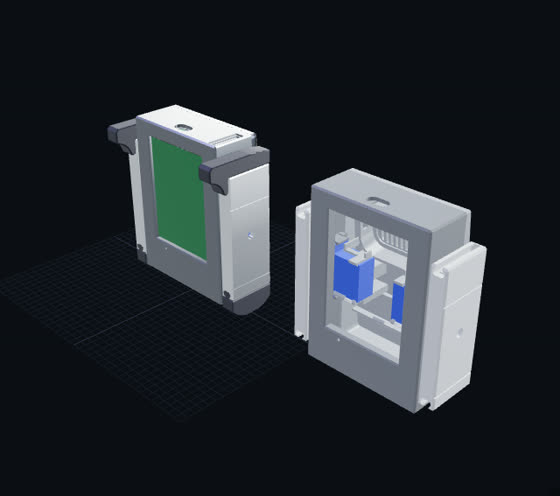
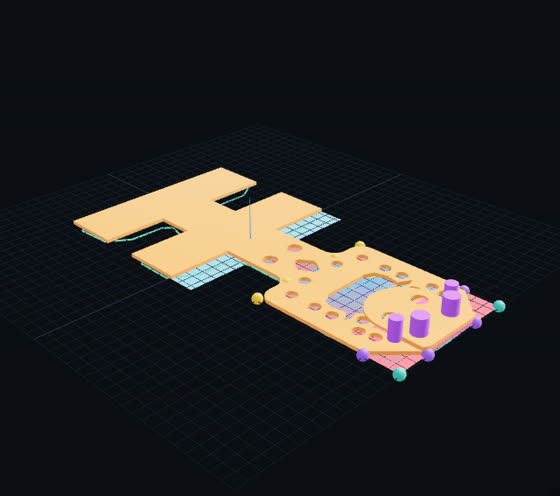
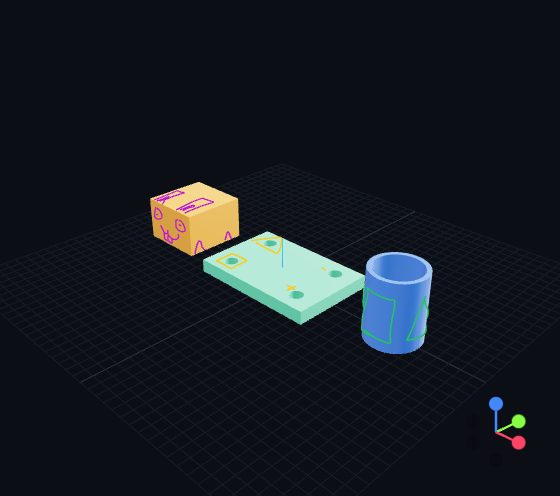
✎ Disegna — draw on itPaint on the part itself — circle a hole, write on a face, place a picture — and send it to the agent as a note. Here the pen, text, pictures, eraser and undo all work; only sending the note needs a running noodle, because that is where your agent reads it.
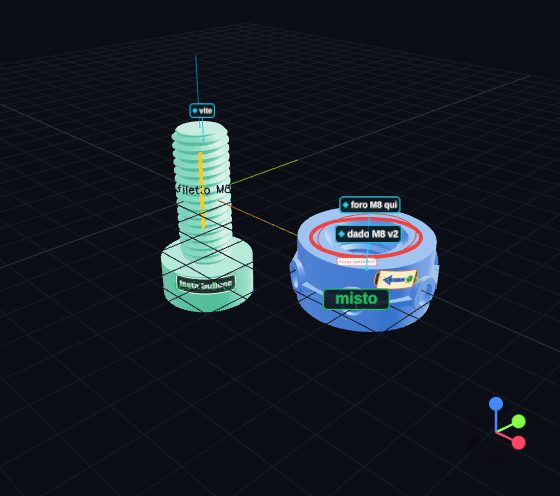
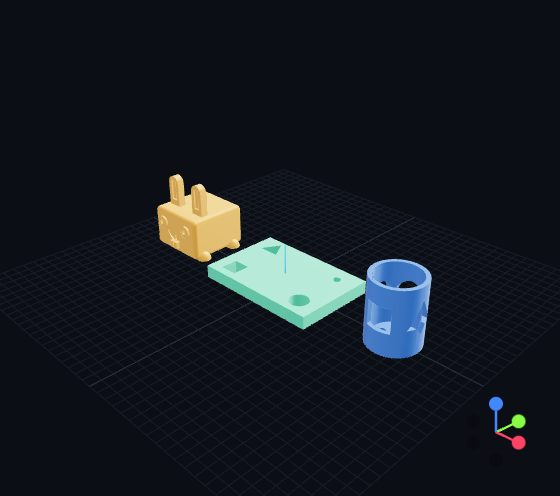
…and what five agents made of itEach built that note on its own copy of the project, with the same prompt. These are their real models — open one and orbit it.
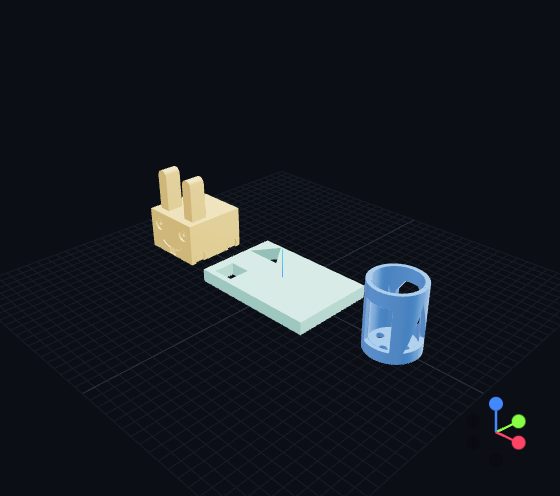
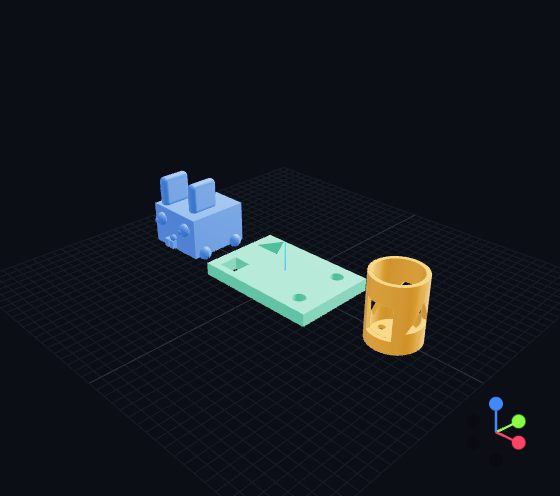
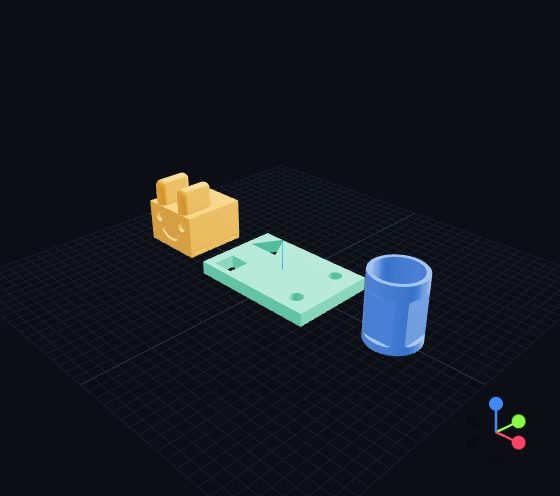
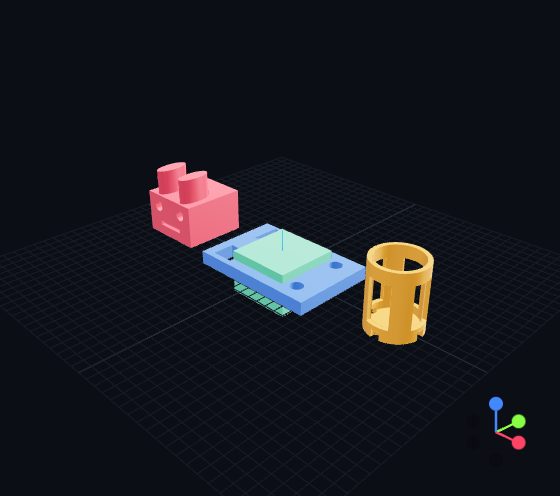
The real thing: let your agent install it
Sending a drawing to an agent needs noodle running on your machine. The quickest way: copy this and give it to your coding agent (Claude Code, Codex, Cursor…). It reads the repo first, stops if Docker is missing, installs noodle and connects itself — then "look at what I marked" works.
Install noodle (https://github.com/rederyk/noodle) on this machine and connect yourself to it.

1. Check it first: read README.md ("Install & run"), AGENTS.md and the security note — noodle runs graph code as unsandboxed Python, so it is for local, single-user use only. Tell me if anything there worries you before going on.
2. Check that Docker is installed and running (`docker info`). If it is not, tell me how to install it on my OS and stop there.
3. Clone the repo and start it: `docker compose up -d --build` (the first build downloads ~1 GB and takes a few minutes). Wait until http://localhost:8090/health answers.
4. Connect yourself through its MCP server — for Claude Code: `claude mcp add noodle -- docker exec -i noodle python mcp_server.py`; for other agents use the config in AGENTS.md. Then call `cad_help` and read it.
5. Tell me the editor URL (http://localhost:8090/nodes) and that, from now on, I can draw on a part in the viewer (✎ Disegna) and ask you "look at what I marked" — you read it with `cad_notes`.
or install by hand
A link instead of a screenshot
An agent calls cad_snapshot and sends a URL. The link stays on that result while
the workflow moves on.
- Pieces you can hide, solo and invert — the state lives in the URL hash.
- Timelines play; ≡ Tracce gives every movement its own slider, so you play the order.
- Works on a phone: bottom sheet, tap to select, double-tap to frame.
▦ Sezioni — long code, read as nodes
Agents write long CodeBlocks. Instead of making them assemble catalogue nodes, noodle reads the block's structure from its AST — the code is never rewritten.
- Sections from the block's own headers, or grouped by what each statement builds.
- A part built up over several sections shows as a chain of steps, each with its preview.
- Inputs, outputs, values and time per section; agents get the same as
cad_codeblock_sections.
Safe with an agent in the loop
An agent edits the graph over MCP or HTTP while you have it open.
- Every save names the version it was edited from; a concurrent edit is merged, never overwritten.
- Each run has its own files, can be stopped, and never publishes a half-written result.
- Validated, title-addressable edits, atomic batches,
/measureand/lintfor geometry facts.
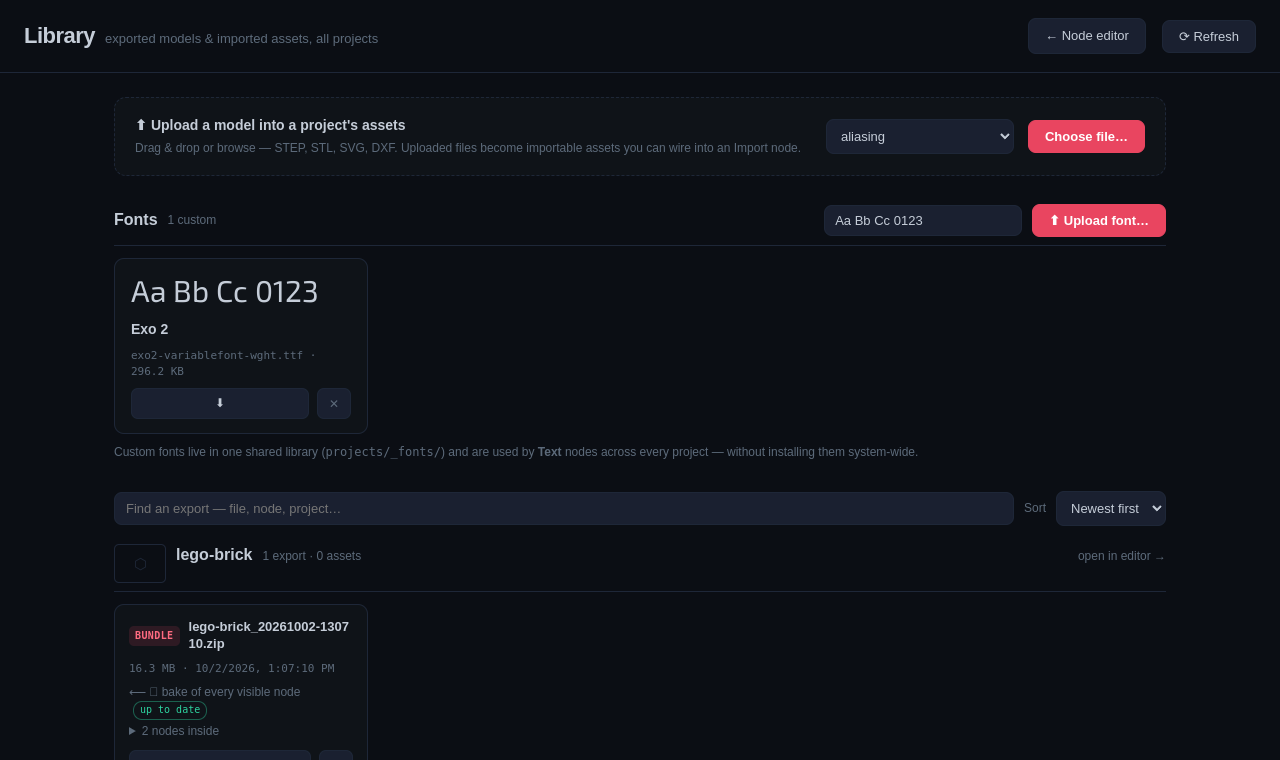
Exports that know where they came from
- 📦 Bake: every visible node as its own STEP + STL, zipped with a manifest.
- The library tells you which node wrote each file, and whether the graph changed since.
- STL · STEP · 3MF · glTF · SVG · DXF, and the whole UI works offline.